 moonshot
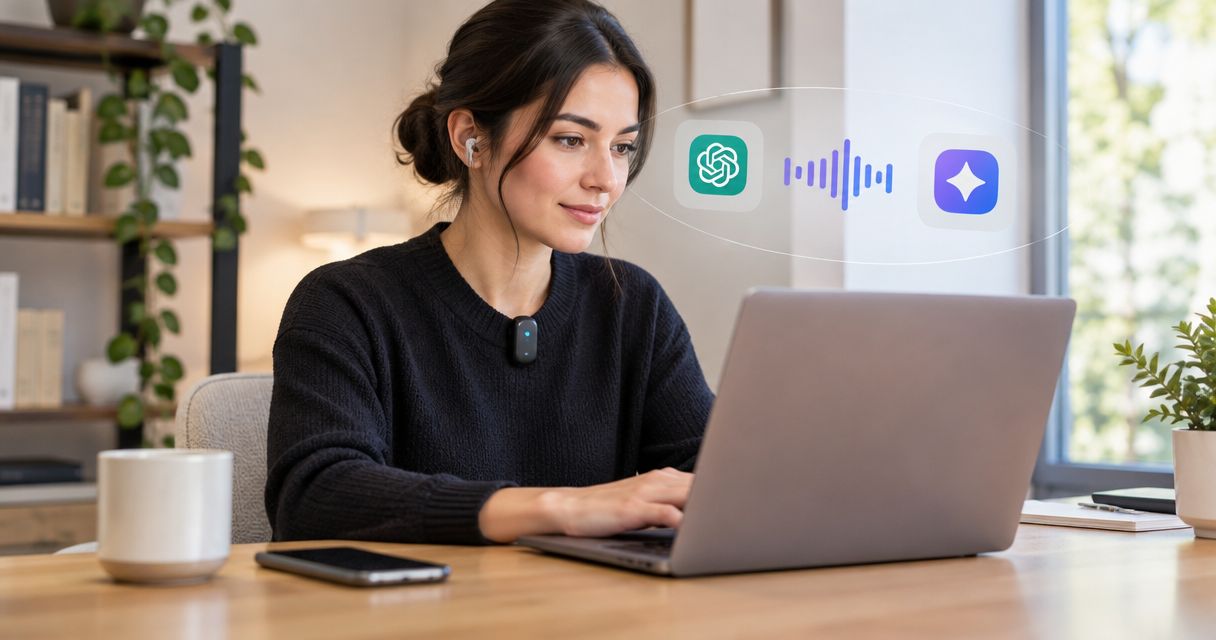
An AI wearable can supply useful context to Claude or ChatGPT only through a supported transfer route, such as sharing selected text or a documented connection. A wearable using a model behind the scenes does not establish that your own chatbot account can access its recordings, transcripts or memories.
- AI wearable context for Claude or ChatGPT: Check access, 2026
- A product using a model for its own replies does not establish access from your personal Claude or ChatGPT account.
- Choose selected, reviewed context when you want control over what a chatbot receives.
- Luna is a necklace on preorder that works with your ChatGPT and Claude; nothing sends until you say yes.
Can an AI wearable provide context for Claude or ChatGPT?
Yes, when you can move the relevant information through a supported route. The useful question is not which model appears on the product page. It is what information reaches your chosen chat, how it gets there and what permission that requires.
A transcript, a summary and a remembered preference are different kinds of context. Start with what happens after an AI wearable records a conversation before deciding which information belongs in another service.
| Route | Best for | Main benefit | Main limitation |
|---|---|---|---|
| Selected text you review and share | A specific question about a conversation | You choose the context supplied | Requires a supported way to retrieve and share text |
| A documented direct connection | A repeatable transfer workflow | Reduces repeated handling when the connection supports your task | Requires evidence about access, permissions and transfer scope |
| The wearable’s own assistant | Help inside the product’s existing workflow | Keeps capture and assistance in the same workflow | Does not establish access from your separate chatbot account |
These are workflow choices, not a claim that every wearable supports them. In 2026, require documentation for the exact route you intend to use. A model name alone is not enough.
Why context matters more than the model name
Suppose you finish a conversation about a project. You want help deciding the next step, not a polished account of everything everyone said. The useful context might be the agreed task, the unresolved question and the deadline mentioned in the conversation.
Sending the whole transcript gives a chatbot more material, but not necessarily a clearer assignment. It also shares unrelated statements and information about other people. Give the assistant the smallest relevant context that preserves the meaning.
A good handoff separates three things:
- Captured words: What someone actually said.
- Your interpretation: What you think those words mean.
- Requested help: What you want the assistant to do next.
That distinction prevents an inference from looking like a recorded fact. It also makes errors easier to find before you act.
Model access versus account access
An AI model is the system that generates a response. A chatbot account is the service account where you hold conversations and manage whatever features that service provides. Using the same model does not make two products share an account or a conversation history.
A wearable app can use Claude or a GPT model for its own replies without any link to your personal Claude or ChatGPT account. That describes part of the product's processing, not a connection to your chats.
Ask a vendor to identify the destination precisely. Does information stay inside the wearable’s app, become text you can share, or enter another service through a documented connection? Each answer describes a different workflow.
Treat model compatibility and account connectivity as separate purchasing questions. Neither proves the other, and neither tells you which transcript or memory a particular response used.
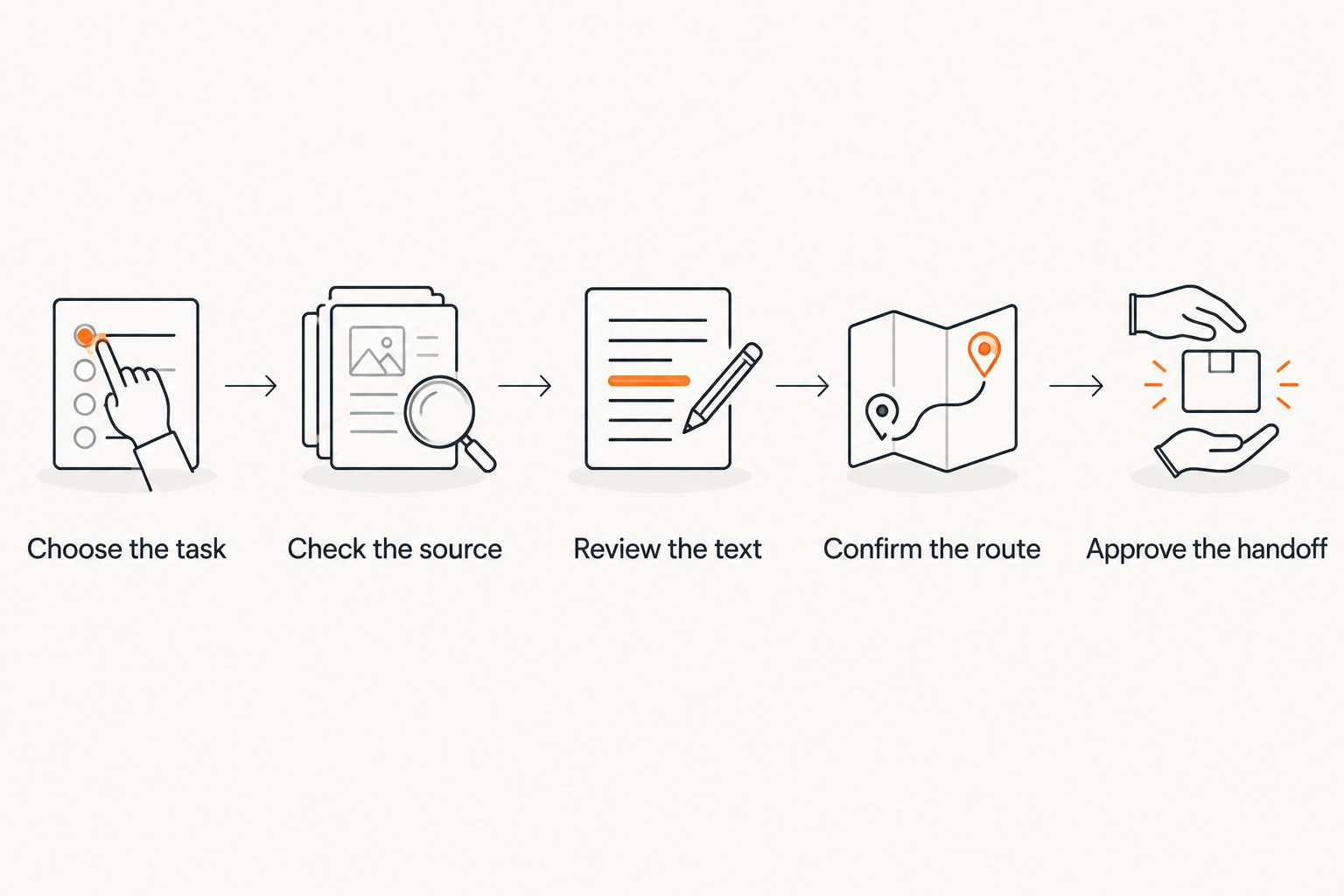
Context transfer steps
Use this process before you rely on a wearable conversation in another assistant. It works as a decision checklist without assuming a particular export feature exists.
- Choose the task. Decide whether you need a summary, a comparison, a draft or help thinking through a decision. A specific task makes irrelevant context easier to remove.
- Check the source. Identify whether the material is a transcript, an app-generated summary or a memory. Do not label a summary as someone’s exact words.
- Review the text. Correct names and separate uncertain statements from confirmed decisions. Remove unrelated information about people nearby.
- Confirm the route. Check how the product lets you retrieve or transfer the selected material. Do not assume an app has an export or connection because another app does.
- Approve the handoff. Share only the material needed for the task. Review the resulting answer before treating it as a commitment or instruction.
For example, you might ask an assistant to turn a reviewed project summary into a draft follow-up. Say which statements are confirmed and which are your interpretation. Ask it to flag missing information rather than fill the gaps.
The draft is not proof that anyone agreed to its contents. You still decide what to send and whether the proposed next step fits the original conversation.
Connection details that change the answer
The usefulness of AI wearable context varies with the transfer workflow, not just the language model. Check these details before choosing a device or app:
- Source format: A transcript preserves wording differently from a summary or remembered preference.
- Selection control: Check whether you can choose a passage or must transfer a larger record.
- Transfer method: Manual sharing and a direct connection involve different setup and permission decisions.
- Destination scope: Identify the receiving account, application and conversation rather than accepting a model name.
- Retention: Find out what each service keeps after the handoff and how deletion works there.
- Feature status: Separate a working feature from a demonstration or a planned capability.
For a 2026 purchase decision, ask for the current documentation showing your intended workflow. A description of what a product aims to do is not evidence that the connection already works for your task.
Luna and your ChatGPT or Claude
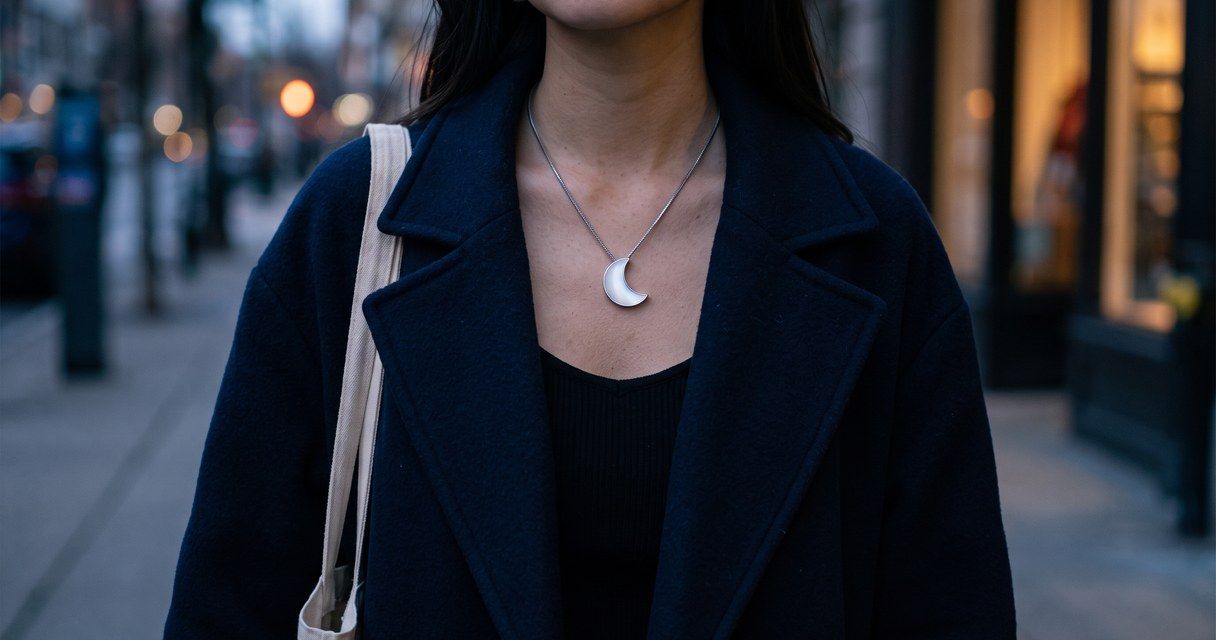
Luna is Moonshot’s AI necklace: a 27 mm crescent moon in polished 316L stainless steel with an opal-white face, with two microphones, no camera and no screen. It works with iPhone and Android through the Luna app. Luna is on all day; tap it to mute (Tap to stop. Tap to start.).
Moonshot lists that Luna works with your ChatGPT and Claude, as well as Gmail and Google Calendar. Agent tasks like emails, calls and bookings happen only when you say yes. Before you rely on it for a specific handoff, ask for the current setup steps showing which account receives what, and what needs your approval.
Luna is best suited to readers who want a necklace they wear all day that helps them follow through, with their approval, alongside the ChatGPT or Claude they already use. That is a fit judgment, not a claim of a tested result.
Luna is on preorder and ships in February 2027, with a 30-day money-back guarantee. The Core plan is free and included; the optional Pro plan adds proactive agents and coding with Claude Code for $20 a month from February 2027.
Privacy before a context handoff
A recording does not become private merely because you wear the device yourself. Conversations can include people who did not choose the product. Before capture or sharing, explain the workflow and respect the setting’s rules and the people involved.
Luna is on all day. Tap to stop. Tap to start. Nothing sends until you say yes. Because it is on all day, tell the people around you and mute it where recording is not welcome. For what is stored and how deletion works, read the privacy policy.
For any transfer to another chatbot, check the receiving service too. Deleting a source record does not establish that a separately shared copy has also been deleted. Confirm deletion behavior at each destination instead of assuming one control covers everything.
Who should choose a different workflow?
Choose an alternative product or workflow if your main requirement is a documented Claude or ChatGPT connection that you can verify supports your exact task today. Prioritize evidence of the transfer over a broad promise about personal assistance.
If you only need help with an occasional conversation, reviewed text is a useful starting point wherever your tools support it. The benefit is deliberate selection. The drawback is the work of reviewing and moving the material yourself.
If your priority is follow-through, evaluate that behavior separately from export. Ask what prompts the assistant to speak up, where you receive the response and what requires your approval. A context-transfer feature does not prove those behaviors work well.
This article is published by Moonshot, which makes Luna. For an unresolved product question, contact the company and ask for the current workflow documentation. In 2026, a clear answer about one required feature is more useful than a long list of adjacent capabilities.
FAQ
Can an AI wearable send context to my Claude or ChatGPT account?
AI wearable context for Claude or ChatGPT needs a supported transfer route. Compare account access, transcript sharing, privacy and how Luna fits in.
Does using Claude mean a wearable connects to my Claude account?
Using Claude does not establish a connection to your personal Claude account. A product can use the model for its own responses without sharing your account or chat history.
Does Luna work with ChatGPT and Claude?
Moonshot lists that Luna works with your ChatGPT and Claude, as well as Gmail and Google Calendar. Ask for the current setup steps to confirm the exact route, destination account and approvals for your task.
Does Luna send things to my chatbot or inbox on its own?
Nothing sends until you say yes. Agent tasks like emails, calls and bookings happen only with your approval.
Is a full transcript better context than a summary?
A full transcript is better when exact wording matters, while a reviewed summary is better suited to a narrowly defined task. Neither should turn an interpretation into a confirmed fact.
Does deleting microphone audio mean no conversation record remains?
Deleting or not saving microphone audio does not mean no conversation record remains. A service can retain transcripts or memories separately, so check each record type and its deletion controls.
What should I verify before preordering an AI wearable?
Verify the specific workflow you need, its current status, its permissions and the return policy before preordering an AI wearable. Ask for documentation of any required chatbot connection.
Your next step
Write down one task before choosing hardware: for example, turning a reviewed conversation into a follow-up draft. Then ask the vendor to show how that exact task works, from capture to the destination account.
If Luna fits, you can preorder it at heymoonshot.ai. It ships in February 2027 with a 30-day money-back guarantee.
Get Luna
The AI necklace that works with your ChatGPT and Claude. Ships February 2027, with a 30-day money-back guarantee.